How to Block Bloxd.io and All Its Hidden Mirrors
Last Updated: March 2026 · 5 min read
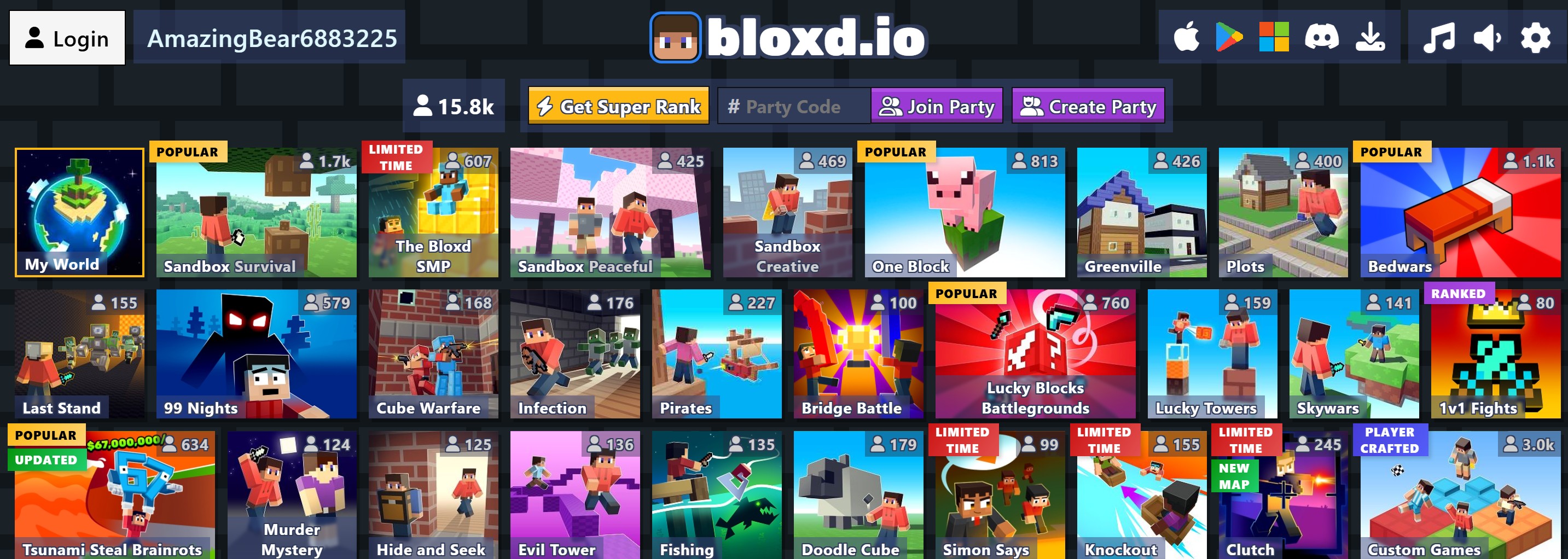
If you've noticed your child spending hours on a game called Bloxd.io, you're not alone. It's one of the most popular Minecraft-style web games today, but it’s also one of the hardest for parents and school IT admins to block.
Why? Because the developers of Bloxd.io use a strategy called "Mirroring." They create dozens of different web addresses (URLs) that all lead to the same game. If a parent blocks the main site, the child just switches to a different link like doodlecube.io or bloxdhop.io.
The Challenge: Why Traditional Blockers Fail
Most parental control tools require you to manually enter every single website you want to block. With Bloxd.io, this is a "whack-a-mole" game that parents can't win. New mirrors pop up every week, often disguised as educational sites or "math" tools.
The Solution: KidsGuard 1.3 One-Click Bloxd.io Shield
We built KidsGuard to solve exactly this problem. In our latest version (v1.3), we've introduced a dedicated "Bloxd.io Shield" that does the heavy lifting for you.
How to Block Bloxd.io in 3 Simple Steps:
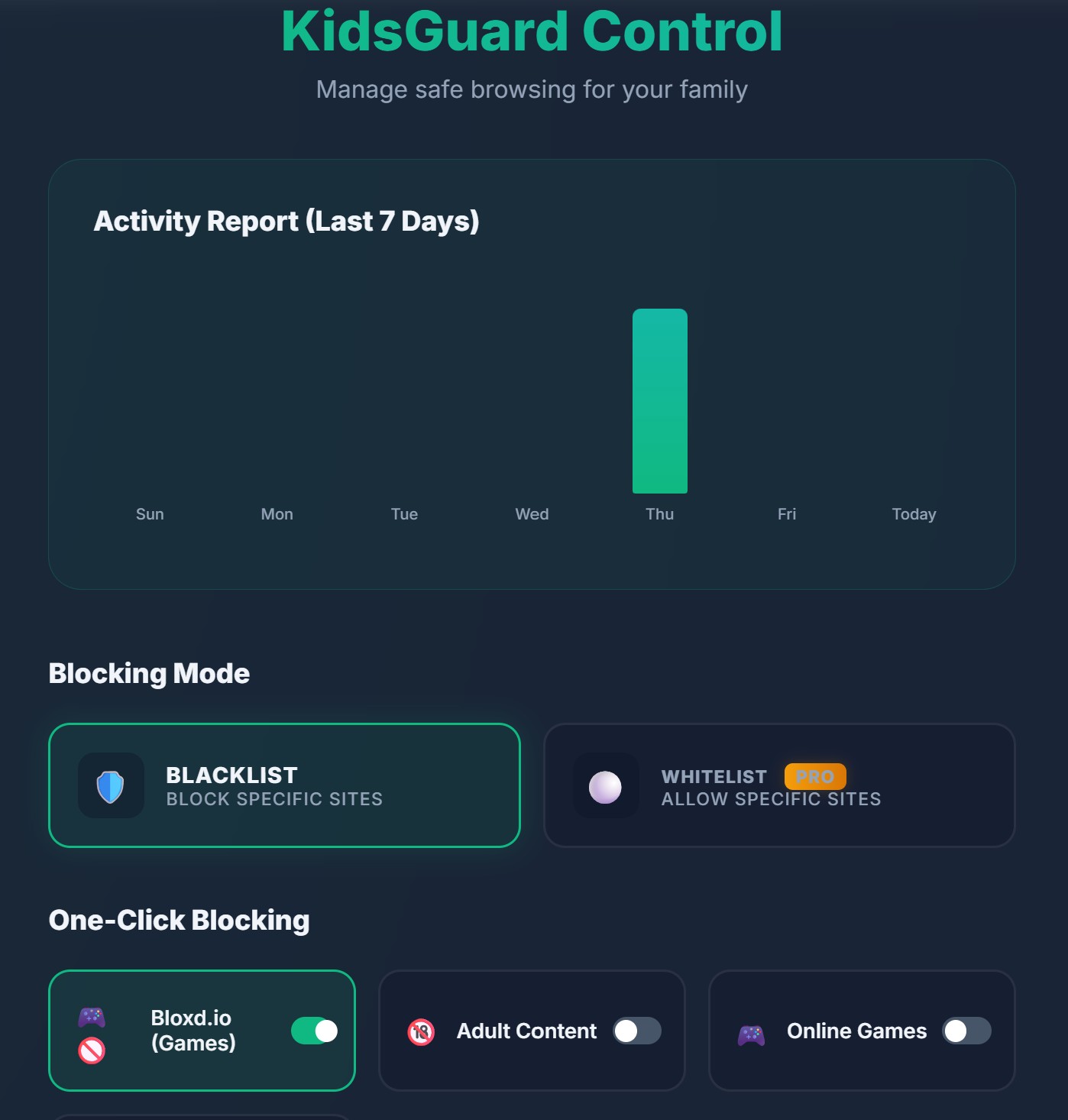
- Step 1: Install the KidsGuard Chrome Extension.
- Step 2: Open the Options page and scroll to "One-Click Blocking."
- Step 3: Toggle the 🎮🚫 Bloxd.io (Games) switch to ON.
That's it. KidsGuard will now automatically block the main site and the entire list of 40+ proxy domains. We maintain this list on our end, so as new mirrors appear, your child remains protected without you having to lift a finger.
Beyond Just Games
Blocking individual games is great, but KidsGuard offers a complete safety suite for your family:
- YouTube Shorts Blocking: Stop the infinite scroll habit before it starts.
- Flexible Scheduling: Set custom block times for school hours or bedtime.
- Password Protection: Ensure your child can't just turn the extension off.
Ready to secure your child's browsing?
KidsGuard is 100% free and takes 30 seconds to set up.
Add to Chrome — It's Free